LoginApp: Building the Dashboard and Improving Form Interaction
Published: November 2, 2025
With the core registration flow in place, I moved on to the post-login experience and refined input behavior for a smoother user experience.
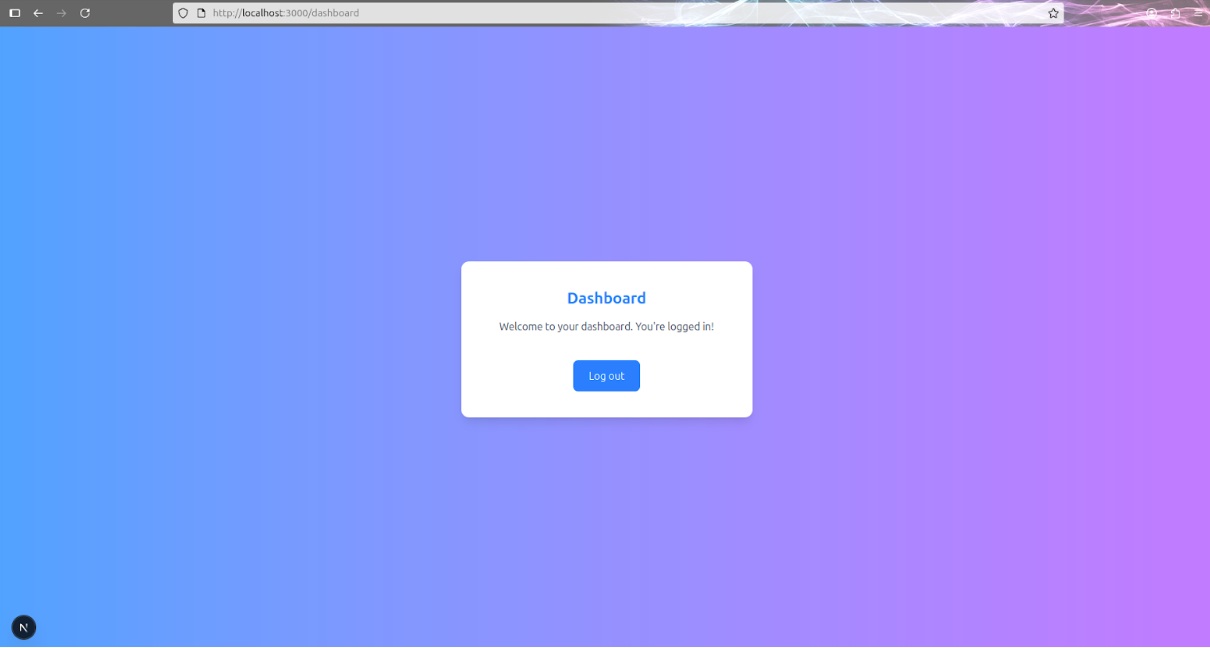
I added a simple dashboard page that users will see once they log in. It follows the design of the app, but for now it includes only a welcome message and a logout button. It’s minimal by design, and I’ll expand it later.
While reviewing the login and registration forms, I noticed that floating labels could interfere with pointer interactions when clicking on the label text. To fix that, I added pointer-events-none to all label elements so clicking anywhere in the input area now reliably focuses the field.
Here’s how the updated label element looks in the code:
<label
  className="absolute left-3 -top-2 bg-white px-1 text-blue-500 text-sm
  transition-all peer-placeholder-shown:top-4 peer-placeholder-shown:text-gray-400
  peer-placeholder-shown:text-base peer-focus:-top-2 peer-focus:text-blue-500
  peer-focus:text-sm pointer-events-none"
>
  Username
</label>
Finally, I introduced proper page titles using Next.js metadata. Each page now has a unique title and description, which not only improves accessibility and SEO but also makes navigating browser tabs much clearer.
These enhancements improve the overall experience and prepare the UI for the next steps.